iPhone & iPad
HTTPGlass for iPhone and iPad
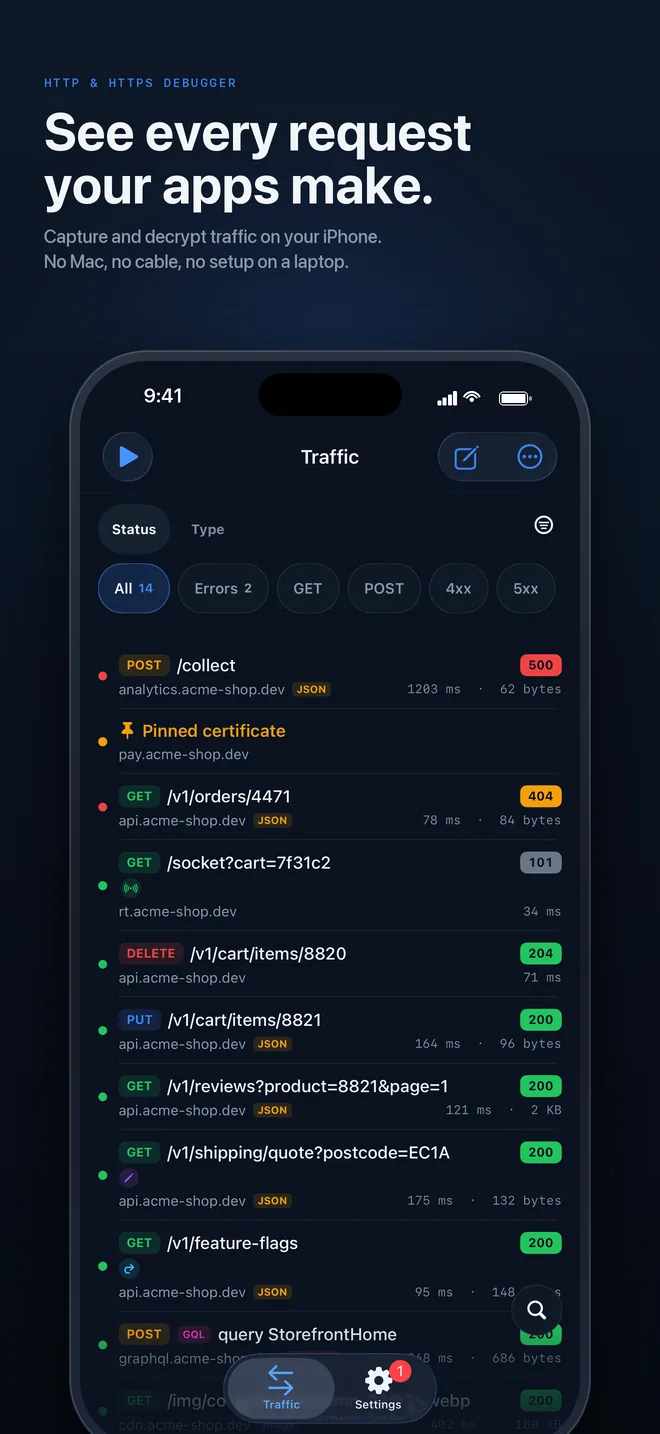
See every request your apps make, from the phone you are testing on. The proxy runs on the device, so there is no Mac in the loop and nothing to set up on a laptop.
- Requires
- iOS or iPadOS 18 or later · a physical iPhone or iPad
- Simulator
- Not supported. The packet tunnel only runs on a real device.
- Setup time
- About a minute, most of it the certificate trust step
- Price
- Free to download and use. Pro is a monthly or yearly subscription with a 3-day free trial, billed by Apple. Prices are shown in the App Store.
Setup
From the App Store to your first request
- 01
Install from the App Store
HTTPGlass is a free download. Capture, decryption, every inspector and HAR export work without paying.
- 02
Add the VPN profile
iOS asks once to allow a VPN configuration. It is a local tunnel that hands your phone’s traffic to HTTPGlass; nothing leaves the device.
- 03
Trust the root certificate
Install HTTPGlass’s certificate, then switch it on under Settings › General › About › Certificate Trust Settings. That is what lets it read HTTPS.
- 04
Start capturing
Tap play, open any app, and the requests show up in the list as they happen.
Breakpoints
Pause it. Edit it. Send it.
Hold a request or response, change any header or the body, then resume it or drop it. Free includes one pattern per list.
Learn more →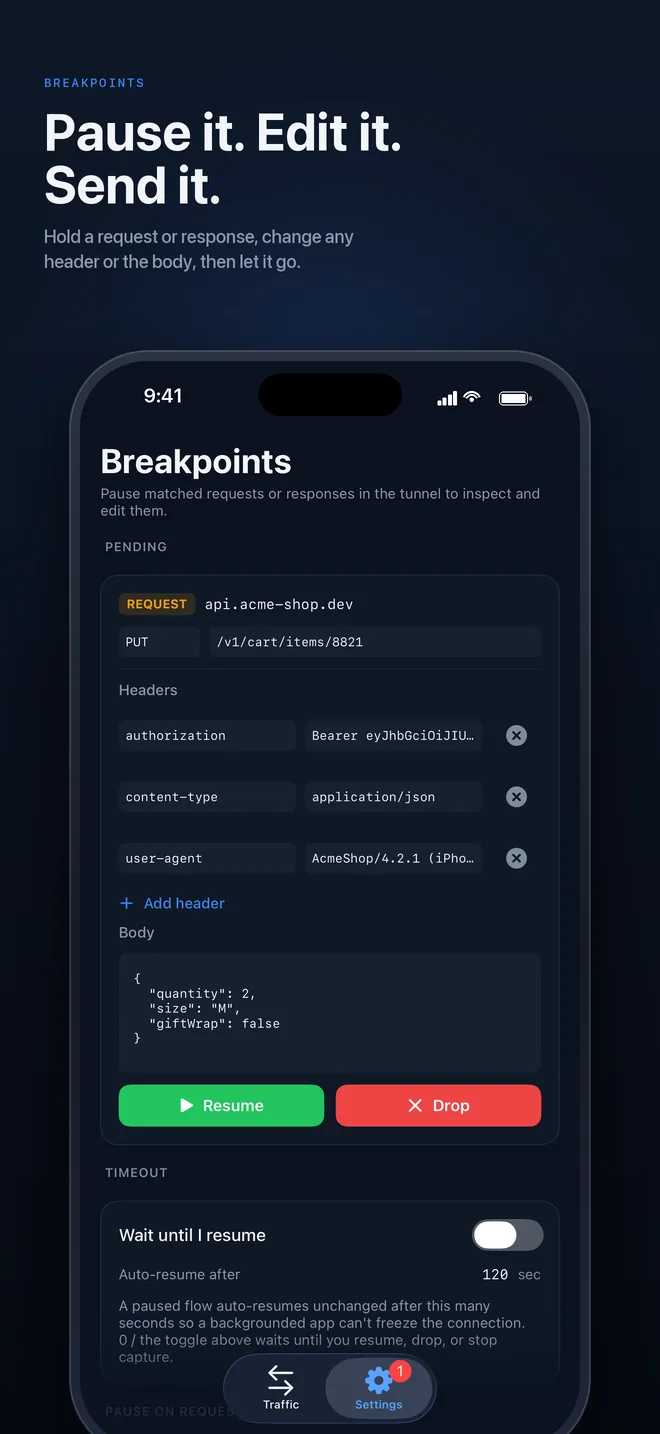
Scripting
JavaScript, on the phone
onRequest and onResponse hooks run on-device against live traffic. Change a field in a JSON body and return it.
Learn more →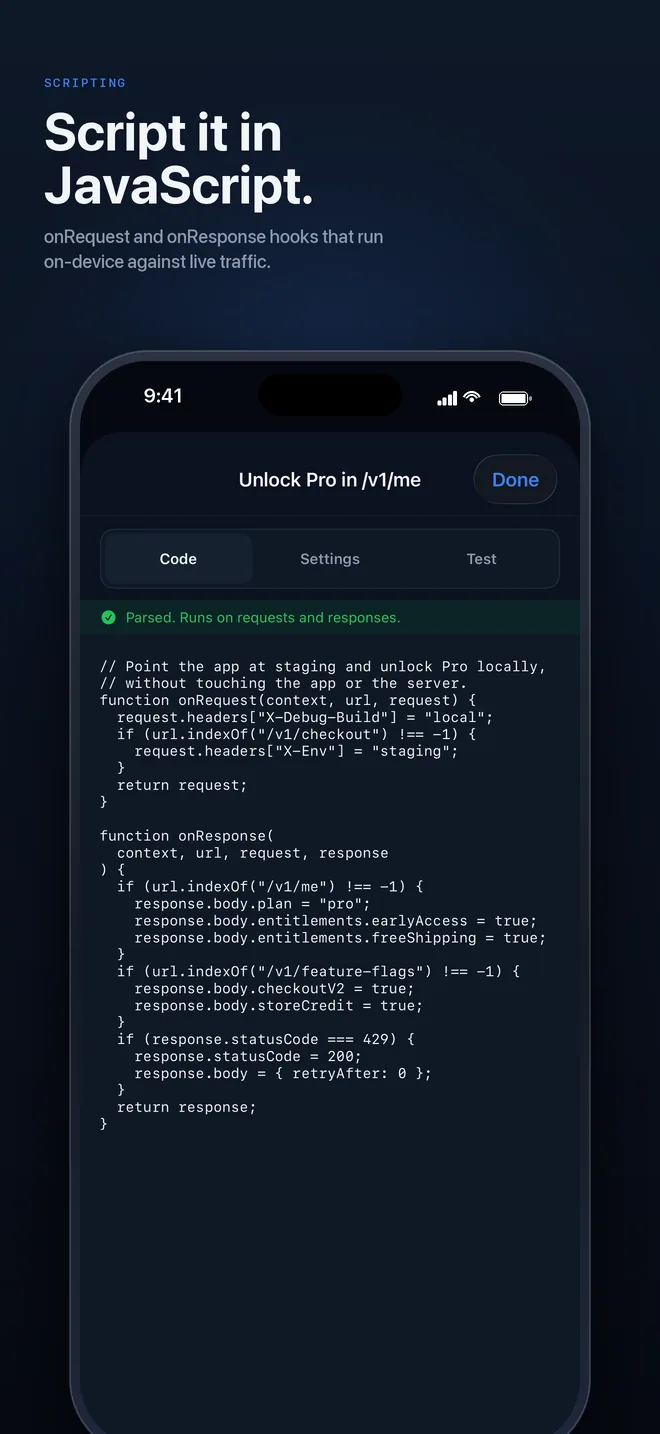
Private by design
Your traffic stays on your iPhone
No cloud relay and no account. Turn on Face ID, Touch ID or passcode lock and captured traffic stays behind it.
Learn more →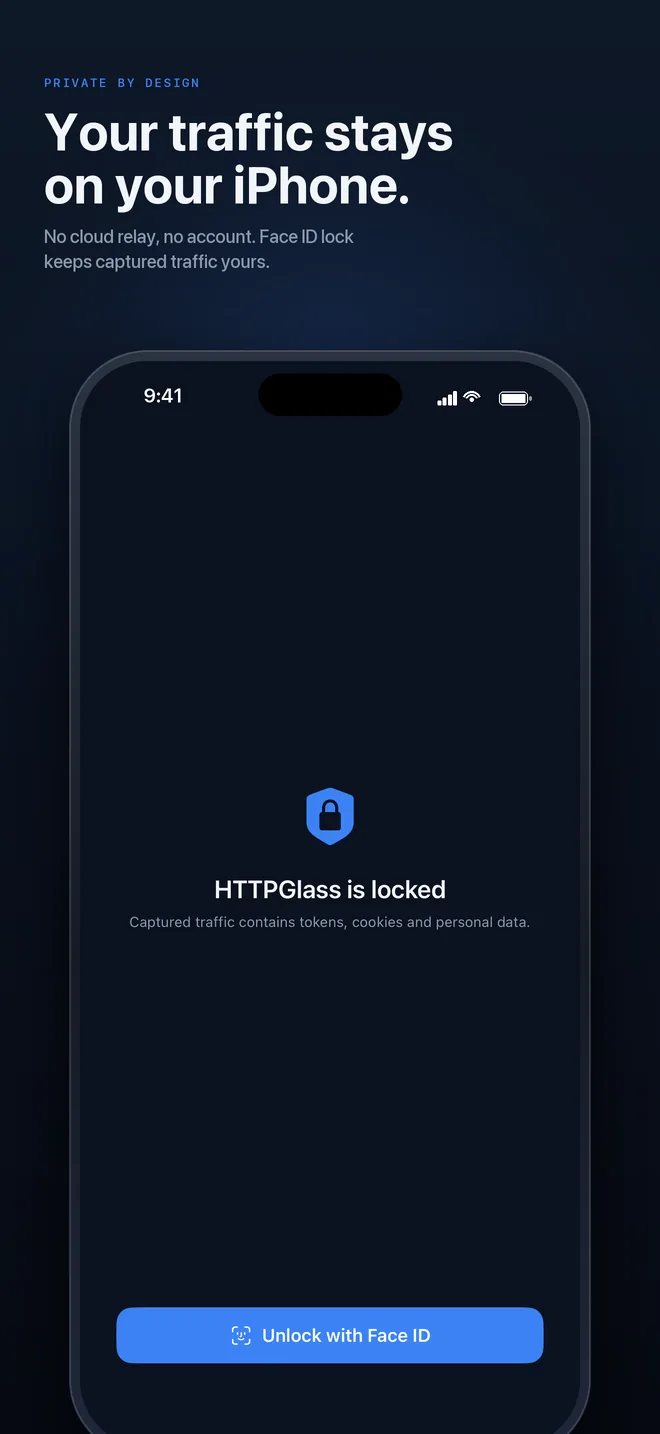
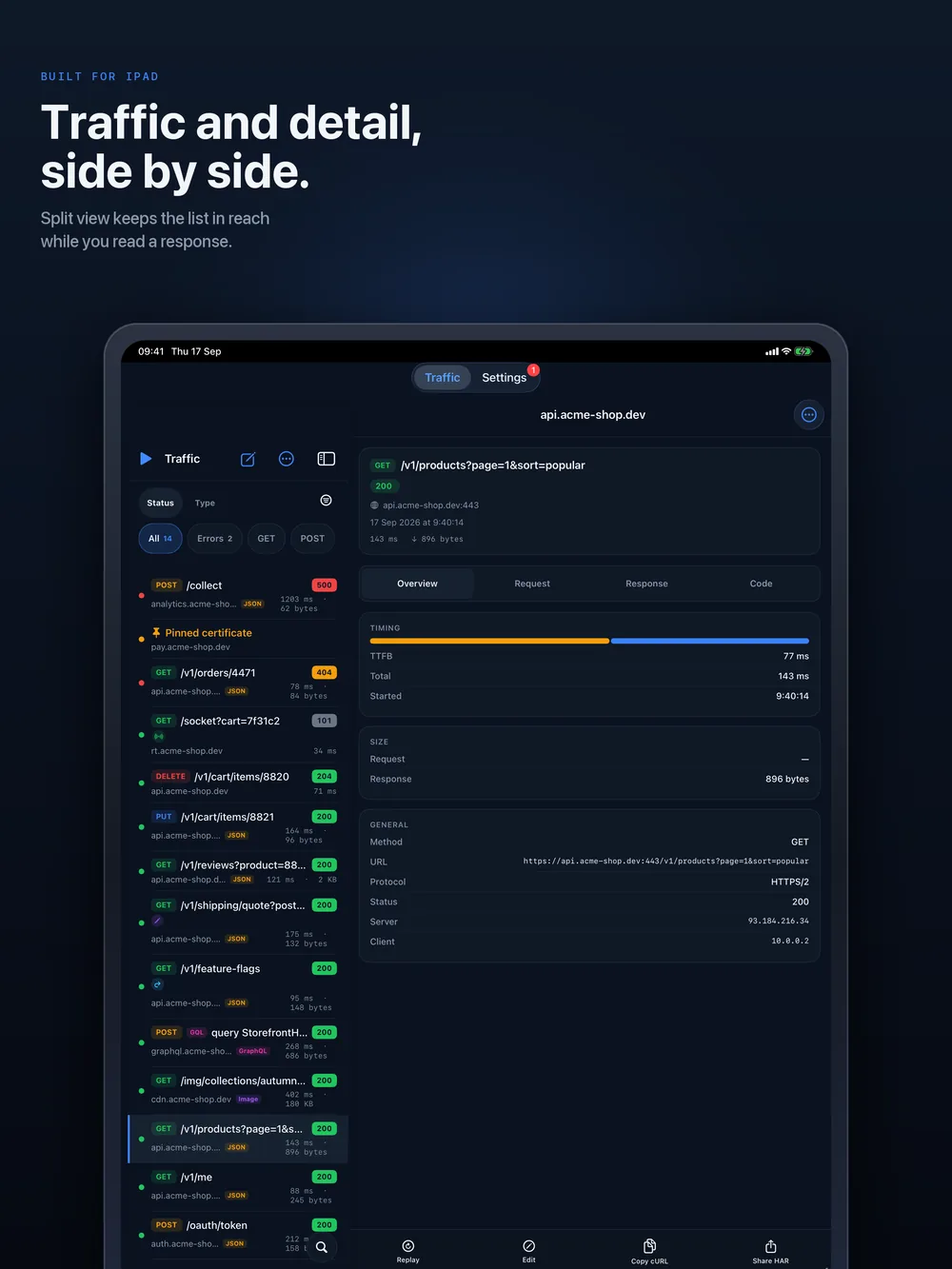
Built for iPad
Traffic and detail, side by side
Split view keeps the request list in reach while you read a response, so you can step through a run of requests without losing your place.