
macOS
HTTPGlass for Mac
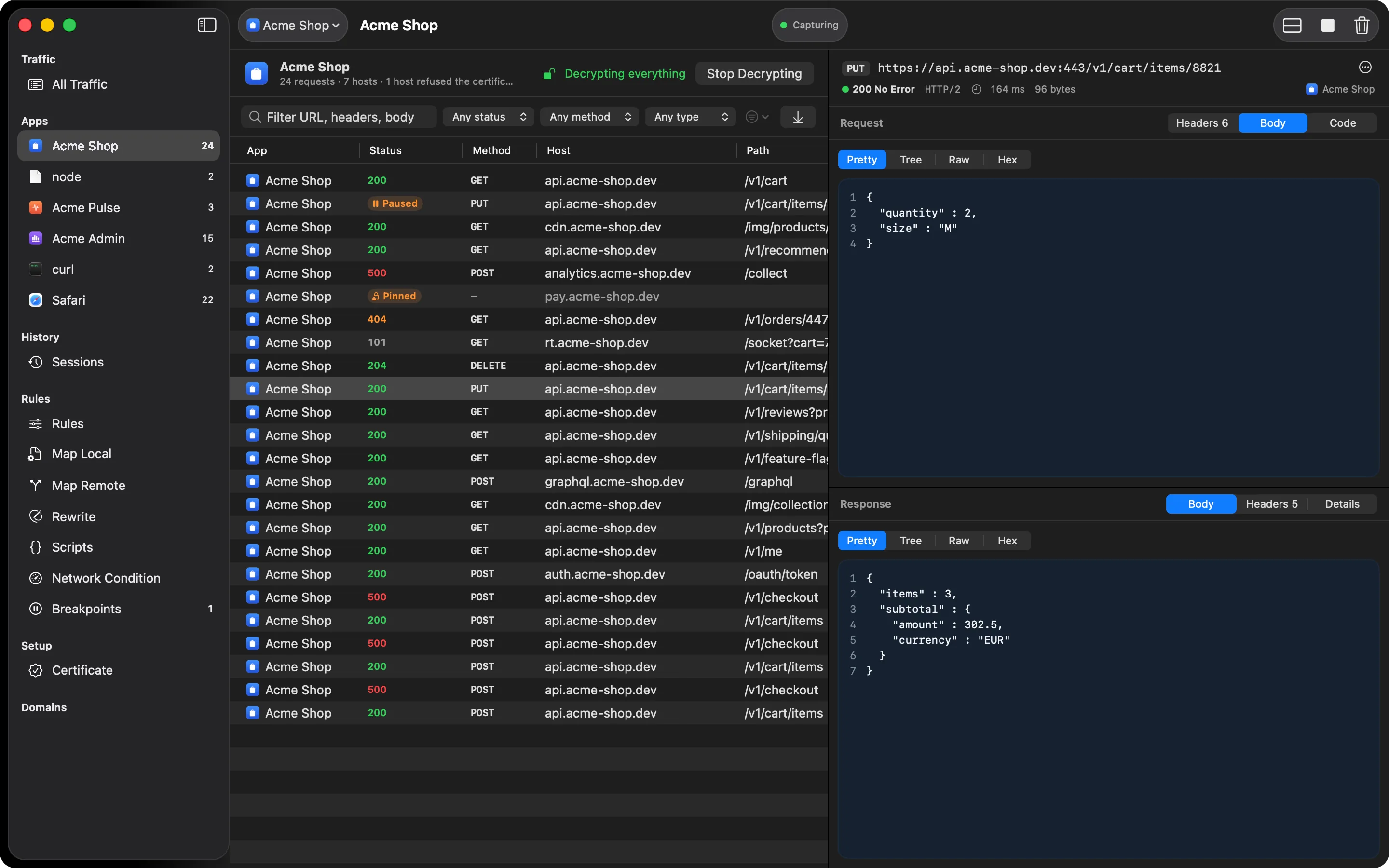
Download the app, trust one certificate, and the requests your apps and browsers make show up in the window, decrypted.
Also on iPhone & iPad:Get it on the App Store
- Requires
- macOS 14 Sonoma or later
- Chip
- Apple silicon or Intel (one universal app)
- Price
- Free to download and use. Pro is a subscription.
- Updates
- The app tells you when a newer build is out
- iPhone
- Debugging a phone? HTTPGlass for iPhone and iPad runs on the device itself.
Setup
From download to your first request
- 01
Install
Open the DMG and drag HTTPGlass into Applications. The app is signed with a Developer ID and notarized by Apple; macOS only asks you to confirm opening something you downloaded.
- 02
Trust the root certificate
The setup assistant creates a certificate that belongs to this Mac only and asks macOS to trust it. macOS asks for your password once.
- 03
Start capturing
HTTPGlass points your network services at its local proxy on 127.0.0.1 and puts them back when you stop or quit.
- 04
Load a page
Open any site or app. Requests appear as they happen, labelled with the app that sent them.