
Core
WebSocket frames
Every frame, sent and received, with JSON pretty-printing and a graphql-ws decoder for realtime subscriptions.
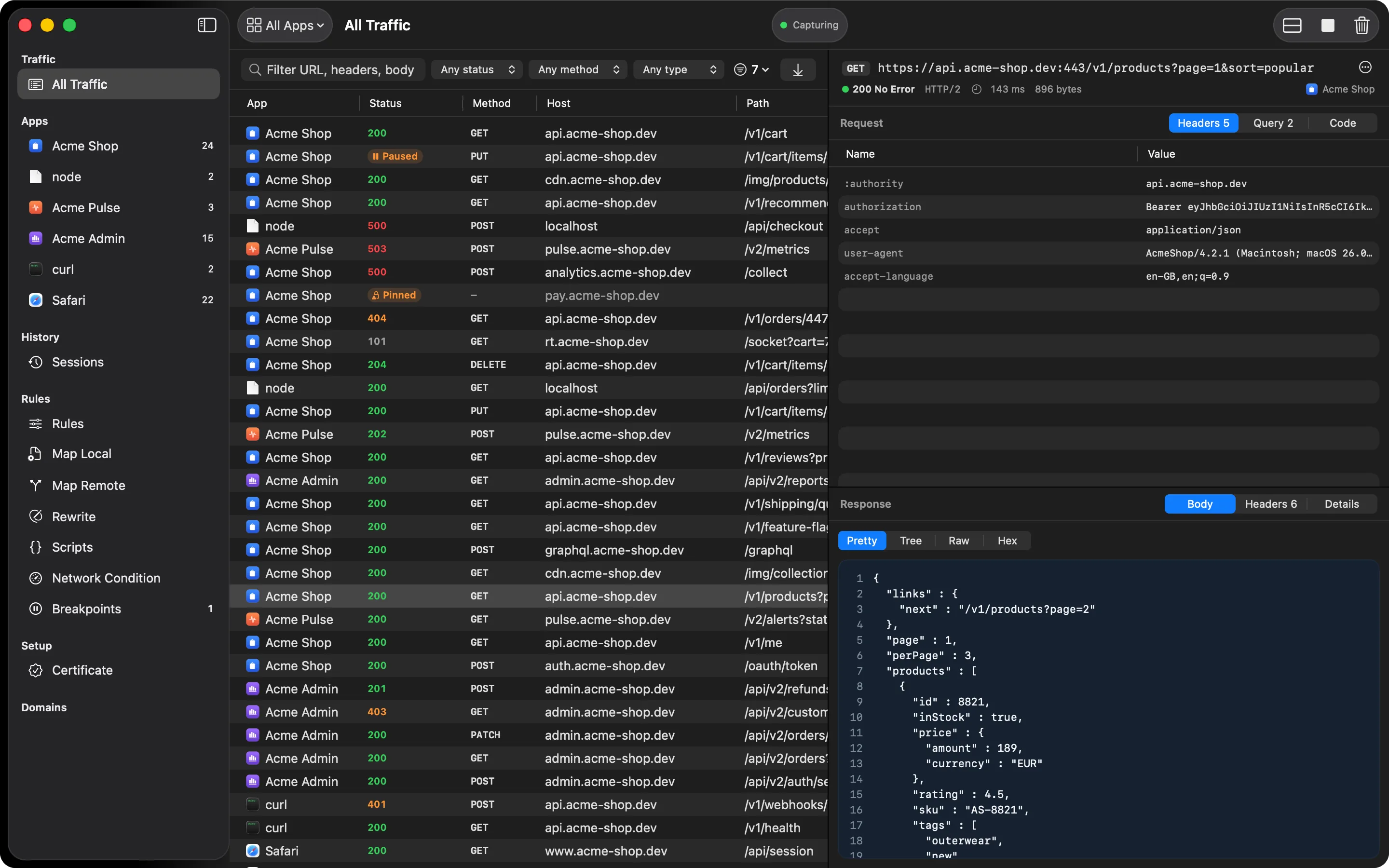
WebSocket upgrades (101 Switching Protocols) are detected automatically. Once a connection
upgrades, every frame after that is captured and shown in the response’s WebSocket tab.
What you’ll see
- Every frame, tagged Sent or Received, with a time relative to the first one (
+120ms,+4s) - JSON frames pretty-printed
- Ping, pong, and close frames shown as a single dimmed line, so they don’t crowd the list
- A Decode graphql-ws messages switch that unwraps
subscribe,next, anderrorenvelopes into their payloads. It’s on by default when the negotiated subprotocol mentions GraphQL
Filtering
Show all frames, only sent, or only received, and search frame contents, so a connection with hundreds of frames stays readable.
How it works
HTTPGlass is an HTTP and HTTPS proxy, so a WebSocket connection starts the way it does in any
client: as an ordinary request asking to upgrade. When the server answers 101 Switching Protocols, HTTPGlass marks the connection as a WebSocket and keeps recording. The row’s
Protocol column shows ws, and the response side of the inspector gets a WebSocket tab
next to Body, Headers, Cookies, and Details.
Like every other tab in the inspector, the WebSocket tab only appears when there’s something in it. A plain HTTP response never shows an empty one.
A typical debugging session
Say a live-updating screen stops updating and you don’t know whether the client or the server went quiet.
- Start capturing and open the screen, so the connection upgrades.
- Select the row with the
wsprotocol and open the WebSocket tab. - Look at the timestamps. Frames are timed from the first one, so a stretch with nothing
Received after a
+4sSent frame tells you where the conversation stopped. - Set the direction to Received only, or search for the field you expect, to check whether the server ever sent it.
- If the connection carries GraphQL subscriptions, leave Decode graphql-ws messages on and
read the
nextpayloads directly instead of digging through envelopes.
Ping, pong, and close frames are collapsed to one dimmed line each, so a chatty keep-alive doesn’t hide the messages you care about.
What it can’t do
- Encrypted connections you haven’t decrypted. HTTPGlass can only show frames from a connection it decrypts. A host that passes through untouched records only its name and reads Encrypted. See HTTPS decryption.
- Pinned apps. If an app pins its certificate, HTTPGlass can’t read that host, WebSocket or otherwise.
- Traffic that isn’t HTTP. UDP and custom protocols over their own sockets aren’t seen. See What HTTPGlass can’t see.
Free and Pro
The WebSocket inspector is included in Free, along with the GraphQL inspector and the other viewers. Free decrypts one app at a time and five SSL Proxying hosts. See Free vs Pro.
Related
Also on iPhone & iPad:Get it on the App Store