
Pro
Map Local
Answer a matching request with a response you define, without contacting the real server.
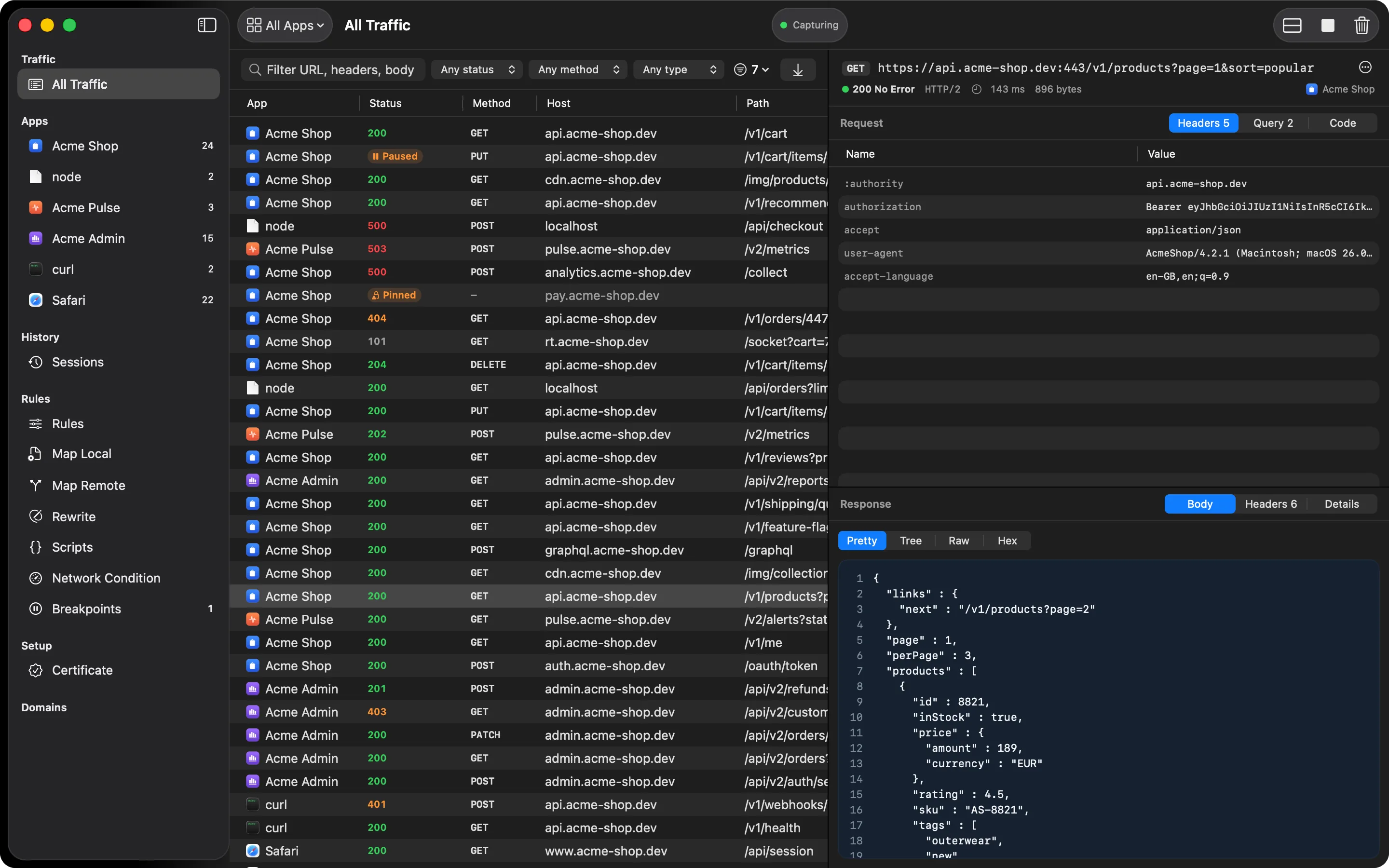
A Map Local rule sets a status code, content type, extra headers, and body for a request pattern, optionally limited to one HTTP method. HTTPGlass answers matching requests itself. The real server is never contacted.
What it’s for
- Testing an error screen (500, 503) that’s hard to trigger on the real backend
- Building the app’s UI before an endpoint exists, by mocking the response it will return
- Reproducing a bug report that came with a specific malformed response
- Adding headers such as
Set-Cookieor CORS headers to a canned answer
How it’s different from Breakpoints
Map Local is for a response you define ahead of time and leave running. Set it once, and every matching request gets the same answer until you turn the rule off. Breakpoints are for pausing one live request at a time and editing it by hand.
How it works
Select Map Local in the sidebar, type a pattern, and add it. The pattern uses the same rule syntax as every other rule list, so it can match a host, a folder, or one exact path. Each rule has these fields:
- Method: any, or one HTTP method
- Status: the status code to answer with,
200by default - Content-Type: set on the response,
application/jsonby default - Body: the response body
- Headers: extra response headers
- Enabled: switch a rule off without deleting it
HTTPGlass fills in Content-Length for you. When several rules match a request, the first
enabled one in the list answers.
A typical debugging session
Say the checkout screen has an error state that the real backend almost never produces. Add a
Map Local rule for the exact path of the order request, limit it to POST, set the status to
503, and paste a small JSON error body. Run the app and place an order. The app gets your
503 every time, and you can work on the error screen without touching the server.
The request still appears as a row in the traffic table. The inspector says it was answered locally and the server was never asked, so you can’t mistake a mapped response for a real one. When you’re done, switch the rule off. It stays in the list for next time.
Free and Pro
Map Local is part of Pro. If a subscription ends, your rules stay saved but stop applying. They start answering again when you activate a licence.
Related
- Map Remote: send the request to a different server and return its real answer
- Rewrite: change part of a real response instead of replacing all of it
- Breakpoints: edit one live request or response by hand
- Map Local in the docs
Also on iPhone & iPad:Get it on the App Store