
Core
Copy as cURL, code generation, and Repeat
Copy any captured request as cURL, turn it into Swift, Python, JavaScript, or Kotlin, or send it again from the table.
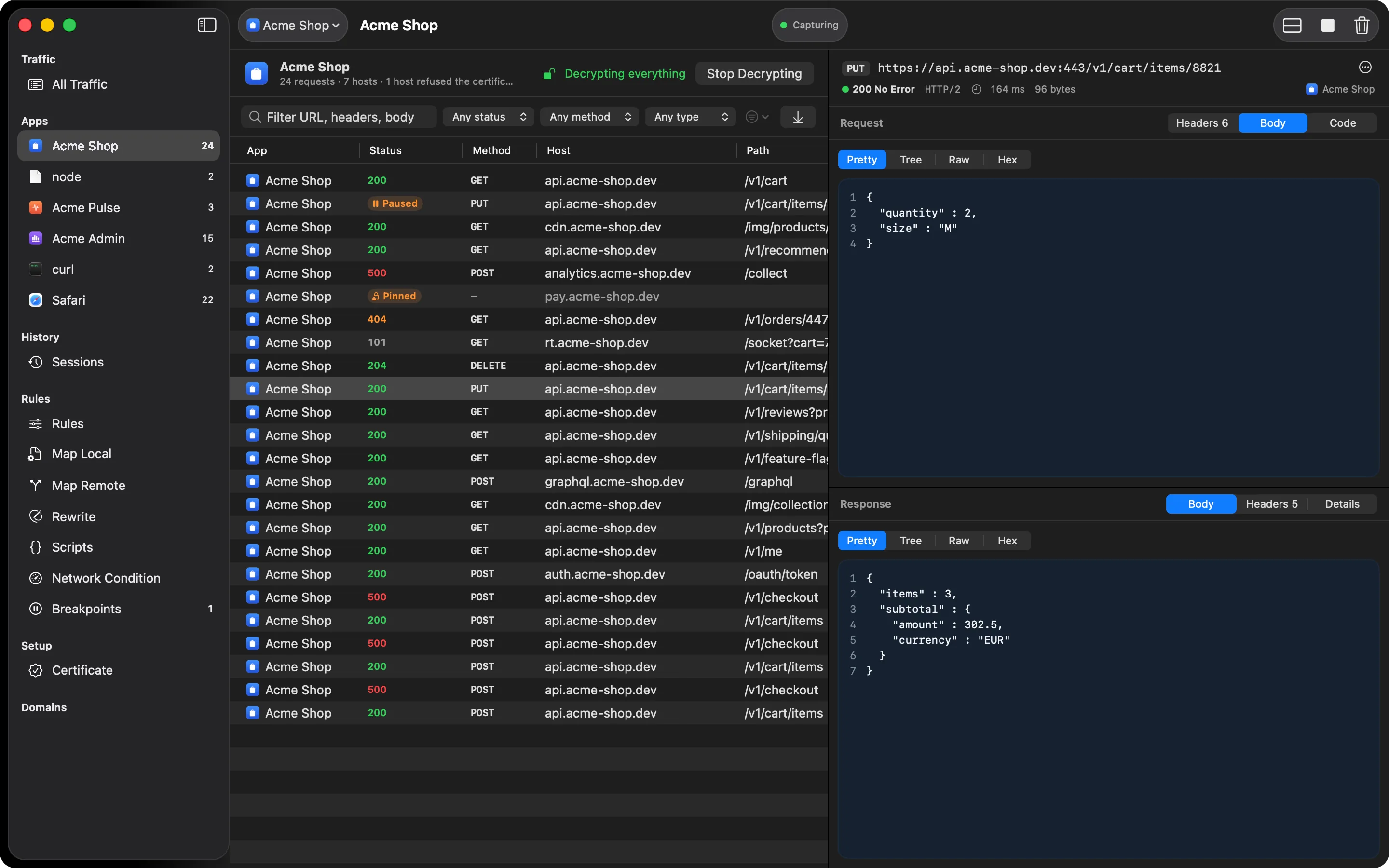
Once you’ve found the request you were looking for, you usually want to do something with it outside the app: paste it into a terminal, a test, or a bug report.
Copy as cURL
Right-click a row and choose Copy as cURL. Method, URL, headers, and body come along. The same menu has Copy URL.
Code tab
The request’s Code tab turns it into a ready-to-paste snippet in five formats:
- cURL
- Swift (
URLSession, async/await) - Python (
requests) - JavaScript (
fetch) - Kotlin (
OkHttp)
Repeat Request
Repeat Request sends the captured request again, with the same method, URL, headers, and body. The new request goes through HTTPGlass like any other, so it shows up as a new row you can compare with the original. Double-clicking a row only opens it; sending a request again is always a menu choice, so a POST never goes out by accident.
How it works
Everything on this page starts from a request HTTPGlass has already captured, so the snippet reflects what the app really sent. You can reach the same actions two ways: right-click a row in the traffic table, or open the ⋯ menu in the inspector. Both offer Copy URL, Copy as cURL, and Repeat Request. The Code tab is on the request side of the inspector, next to Headers, Query, Body, and Cookies.
Because tabs only appear when there’s something in them, you’ll see the Code tab as soon as you select a request.
A typical debugging session
An API call fails in your app, and you want to know whether the fault is in the app or the server.
- Find the failing request. Filter by Status to show only errors, or search for part of the URL.
- Right-click it and choose Copy as cURL, then paste it into a terminal. If it fails the same way outside your app, you’ve ruled out your client code.
- Open the Code tab and copy the Swift, Python, JavaScript, or Kotlin version into a test or a bug report.
- Choose Repeat Request to send it again through HTTPGlass. The new row sits next to the original, so you can compare the two responses.
Repeat sends exactly what was captured, so a POST is sent again as a POST. That is why it’s always a menu choice and never a double-click.
What it can’t do
- Repeat doesn’t change the request. To edit a message by hand before it’s sent, use Breakpoints.
- You can only copy or repeat what HTTPGlass captured. A host passed through encrypted has no readable request. See What HTTPGlass can’t see.
Free and Pro
Copy as cURL, Repeat Request, and code generation are all included in Free. See Free vs Pro.
Related
Also on iPhone & iPad:Get it on the App Store