
Rules
Block, Allow, and No-Cache rules
Pattern-match a host, a folder, or a single request to block it, limit capture to it, or force fresh responses.
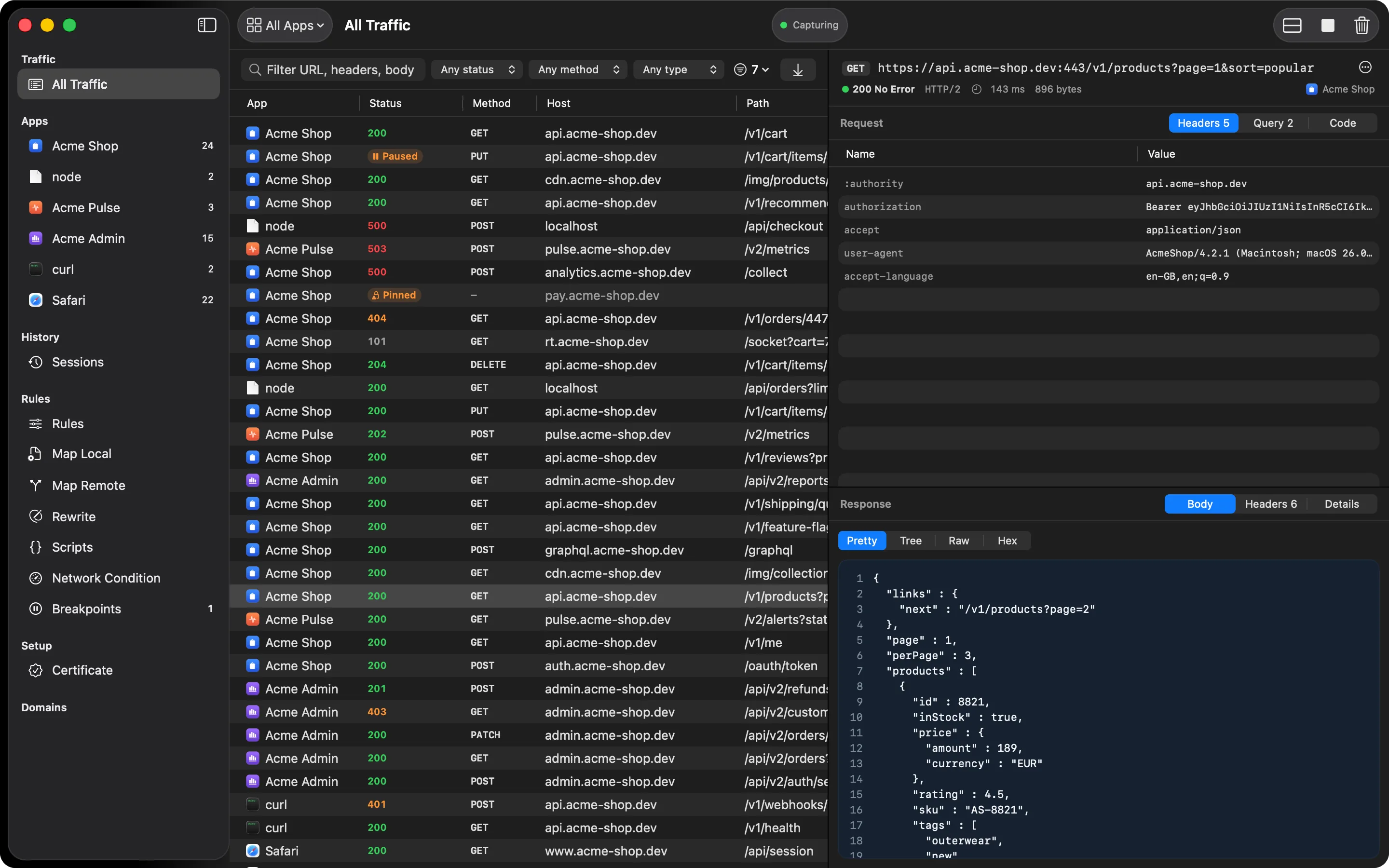
Three rule lists, one pattern syntax shared across all of them:
- Block refuses a matching request. A host-only pattern refuses the connection before it opens; a folder or request pattern lets the connection through and cuts only that request. Blocked requests still show up in the table, marked as blocked, so you can see what was stopped.
- Allow, when it isn’t empty, limits capture to the hosts on the list. Everything else still connects normally; it just isn’t captured.
- No-Cache forces fresh responses on matching hosts, for when an endpoint keeps answering
with a cached
304.
Patterns work at the host level (api.example.com), a folder (api.example.com/v2/*), or a
single exact request. See the rule syntax reference for the full
table.
To block a host without opening the rules, right-click a row or a domain in the sidebar and choose Block.
Free and Pro
Free includes one Block pattern and one Allow pattern. No-Cache and unlimited patterns are Pro. If a subscription lapses, your extra patterns stay saved; only the first of each is used until you upgrade or remove the rest.
Pattern examples
All three lists read patterns the same way:
example.commatches the host and its subdomains*.example.commatches subdomains onlyexample.com/api/*matches any request under that path prefix. A trailing slash, as inexample.com/api/, is shorthand for the same thingexample.com/api/usersmatches that exact path only/analytics/*matches that path on any host
Paste a full URL and HTTPGlass strips the http:// or https:// for you. Ports are never part
of a pattern, a query string is ignored unless the pattern contains one, and matching is
case-insensitive.
A typical debugging session
An SDK in your app keeps calling an analytics endpoint and the noise hides the requests you
care about. Add /analytics/* to Block. It applies on any host, and each blocked request still
shows in the table marked as blocked, so you can confirm it was stopped.
To look at one backend only, add its host to Allow. Everything else still connects normally, without being decrypted or logged, so hosts outside the list can’t cause certificate refusals. A path-only Block pattern still applies to hosts that aren’t on the Allow list, because it is checked per request.
If an endpoint keeps answering with a cached 304, add its host to No-Cache (Pro). HTTPGlass
forces Cache-Control: no-store onto the response and strips If-None-Match,
If-Modified-Since, ETag, Expires, and Last-Modified. Disable caching for everything
applies it to every request. Changes to these lists apply to the running capture immediately.
Related
- Rule syntax reference
- Breakpoints: the same pattern syntax, for pausing a message instead of blocking it
- Map Local: answer a matching request with a response you define
- Free vs Pro
Also on iPhone & iPad:Get it on the App Store